Live Tail Preferences
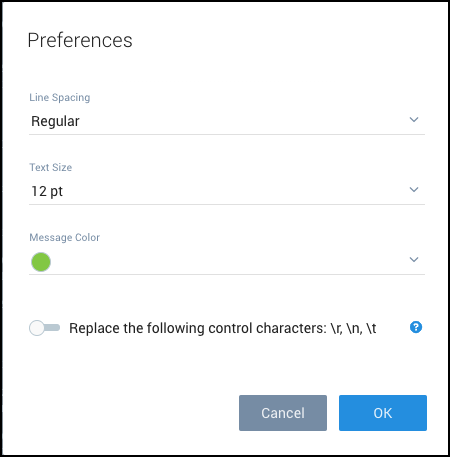
Live Tail preferences allow you to change the appearance of line spacing, size of your message text, and your message color.
To change Live Tail Preferences:
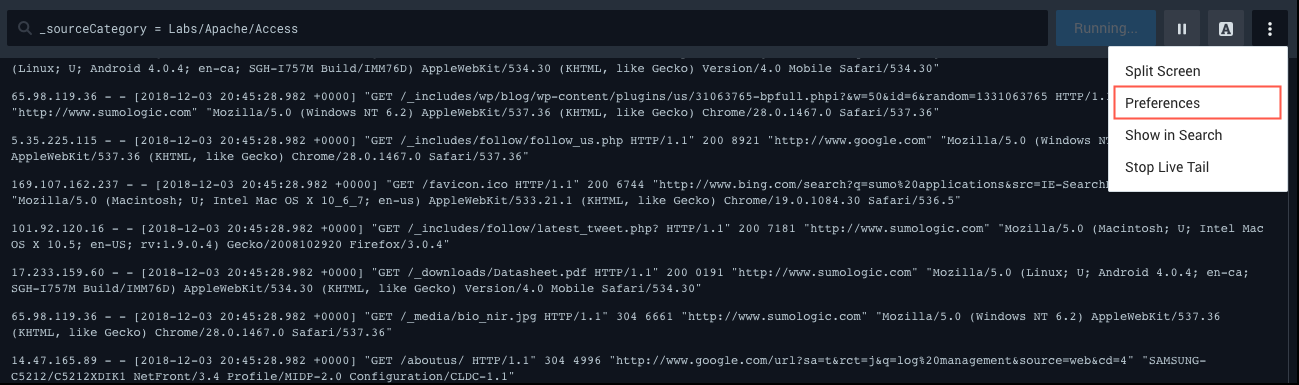
- Select the Live Tail details icon (on the far right) and choose Preferences from the dropdown list.
- From Preferences, change the Line Spacing, Message Text, or Message Color.
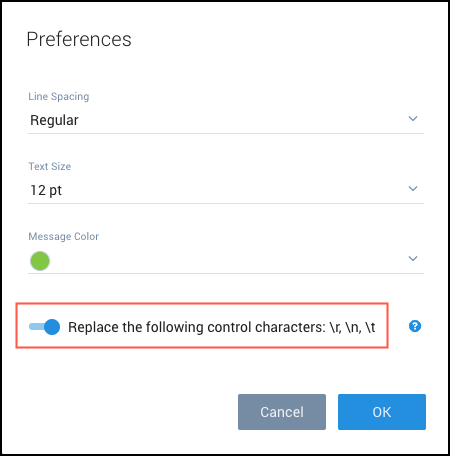
- Optional: Toggle Replace the following control characters option to ON, to render /r and /n as new lines and /t as a tab.
- Click OK to save the settings.