Meet the new
 September 17, 2026 - Application Update
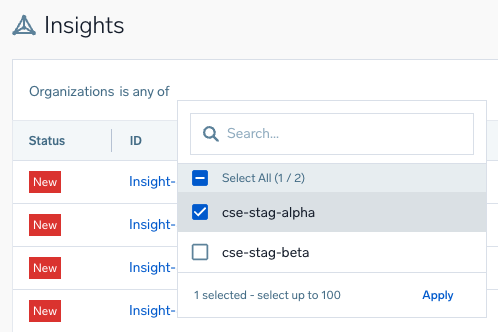
A new Organizations filter on the Insights page. If you manage an MSSP parent organization, use it to narrow the multi-insights list down to specific child organizations.
Follow the steps below to use the Organizations filter:
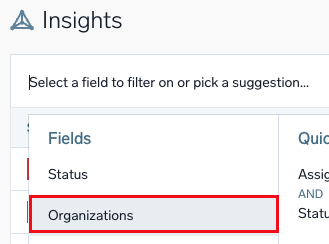
- Click the filter bar and select Organizations from the dropdown.
- Select is any of as the condition, then select up to 100 organizations from the dropdown, or leave it unselected to keep seeing insights from all child organizations.